If you have lost your password or forget then you can easily recove it with the help of this guide. Reset your password or Forget ID easily by following very simple and easy steps.
- First of all, visit the official page of SSO ID Portal https://sso.rajasthan.gov.in/.
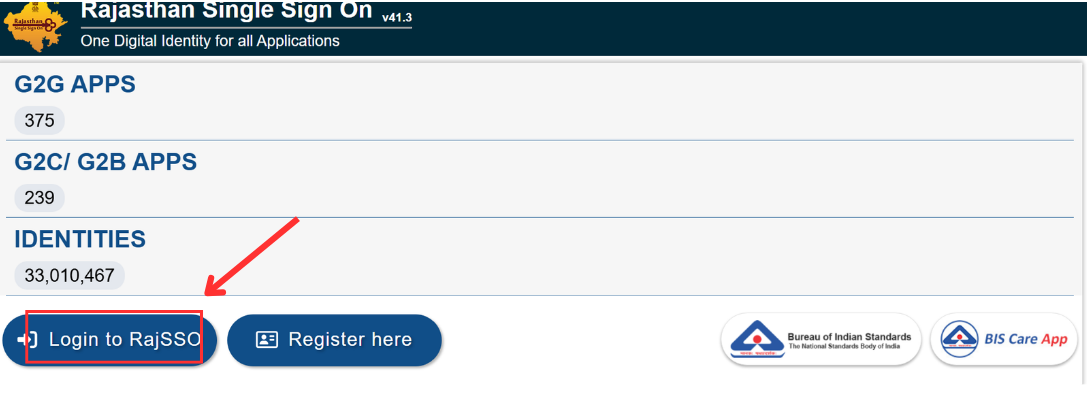
- Now to to Login as shown in the image below.
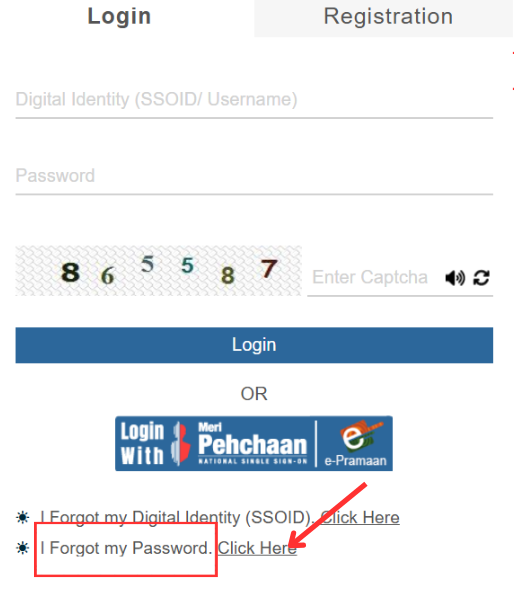
- The next window will be in front of you where you will see the option forget password. Click on the option Click Here to proceed further.
- Now you will see the Forget password page where you can reset your password as shown below.
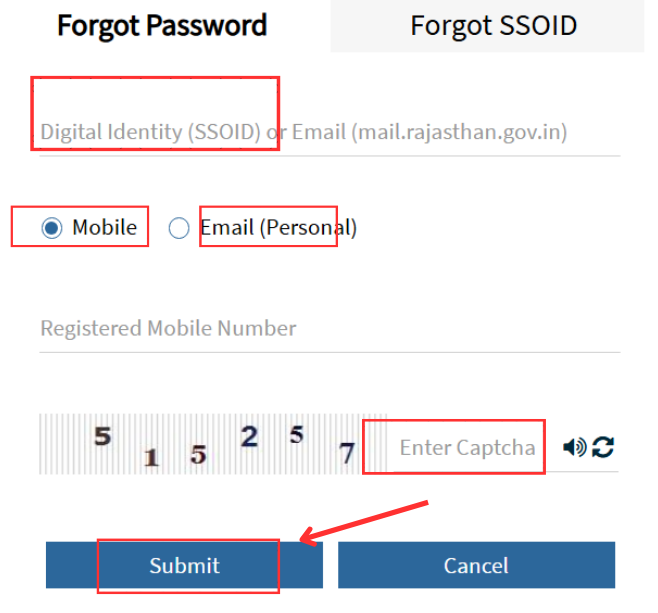
- You will see two options to reset your password.
- You can set forget password with mobile number or Gmail ID.
- Press your desired option to proceed further.
- Then you will receive OPT to verify the code.
- Now enter the code, Enter Captcha to complete the process.
- Press Submitt button to proceed next option.
- Now enter your new password and finish the process
- With this process, you can reset your password if you forget.